One dashboard for your attendance, leave, payslips and career records
From checking in each morning to tracking your career growth and managing your contract, everything you need as an employee or contractor is already in one place on Crusource.
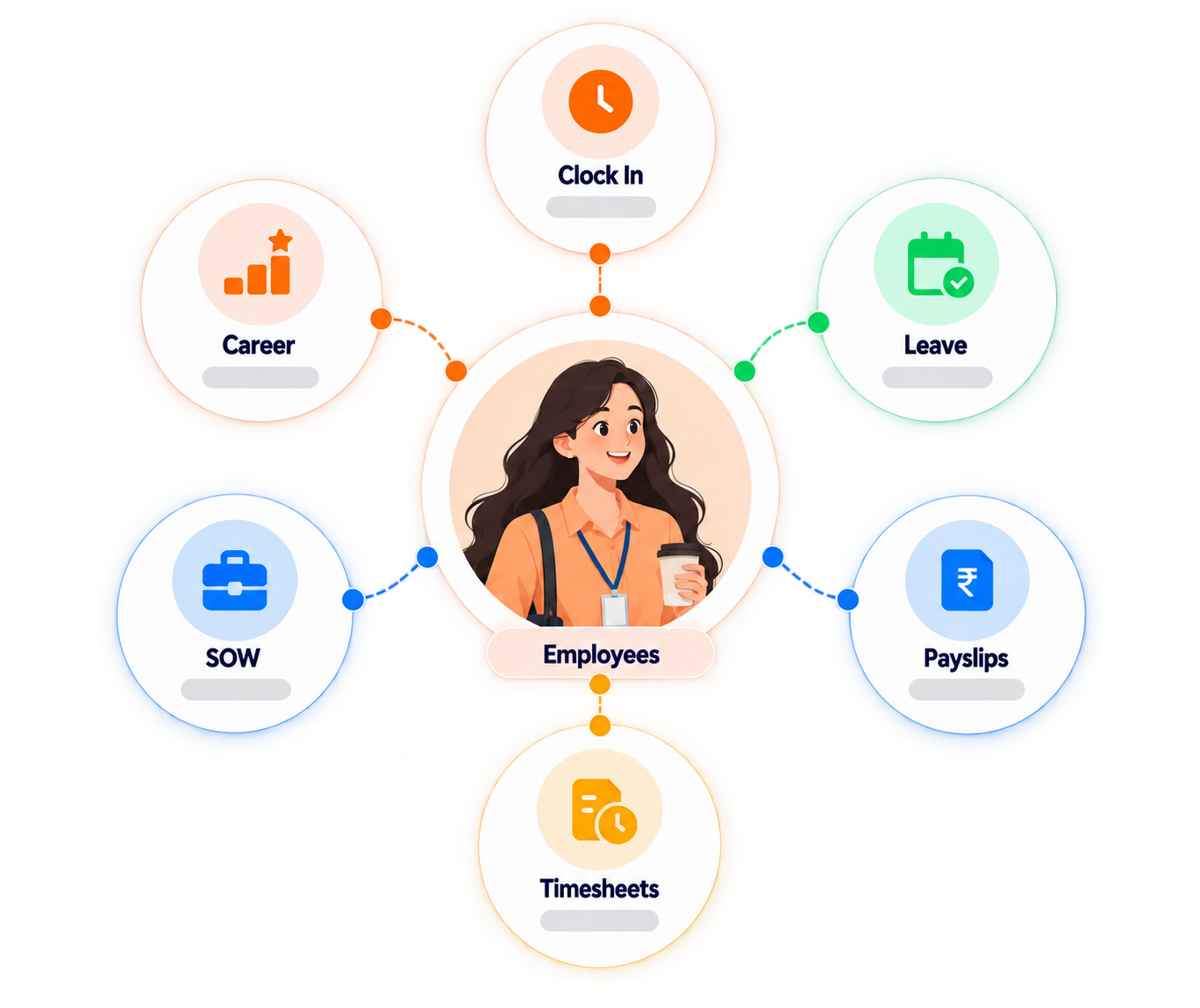
One dashboard for everything that matters to you at work
You should not have to email HR for a payslip or ask your manager about your leave balance. Crusource puts that information in your own hands.
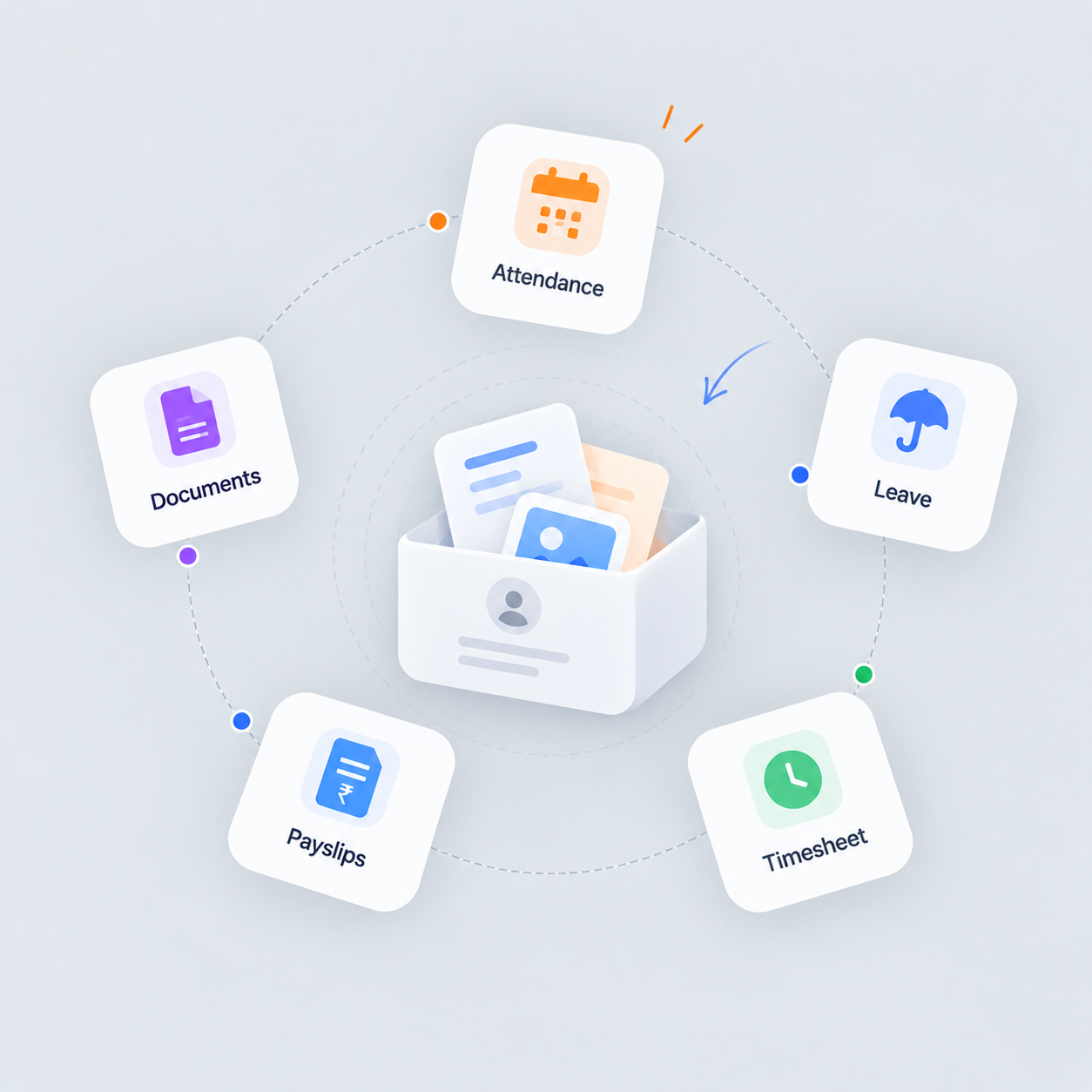
Attendance, leave, payslips and documents in one personal dashboard
Mark your attendance when you start and finish your day, fill your weekly timesheet and send it to your reporting manager for approval. Apply for leave and see your balance in real time. When payslips are generated, download yours directly from your dashboard. Your documents are stored here too.
See the Employee Dashboard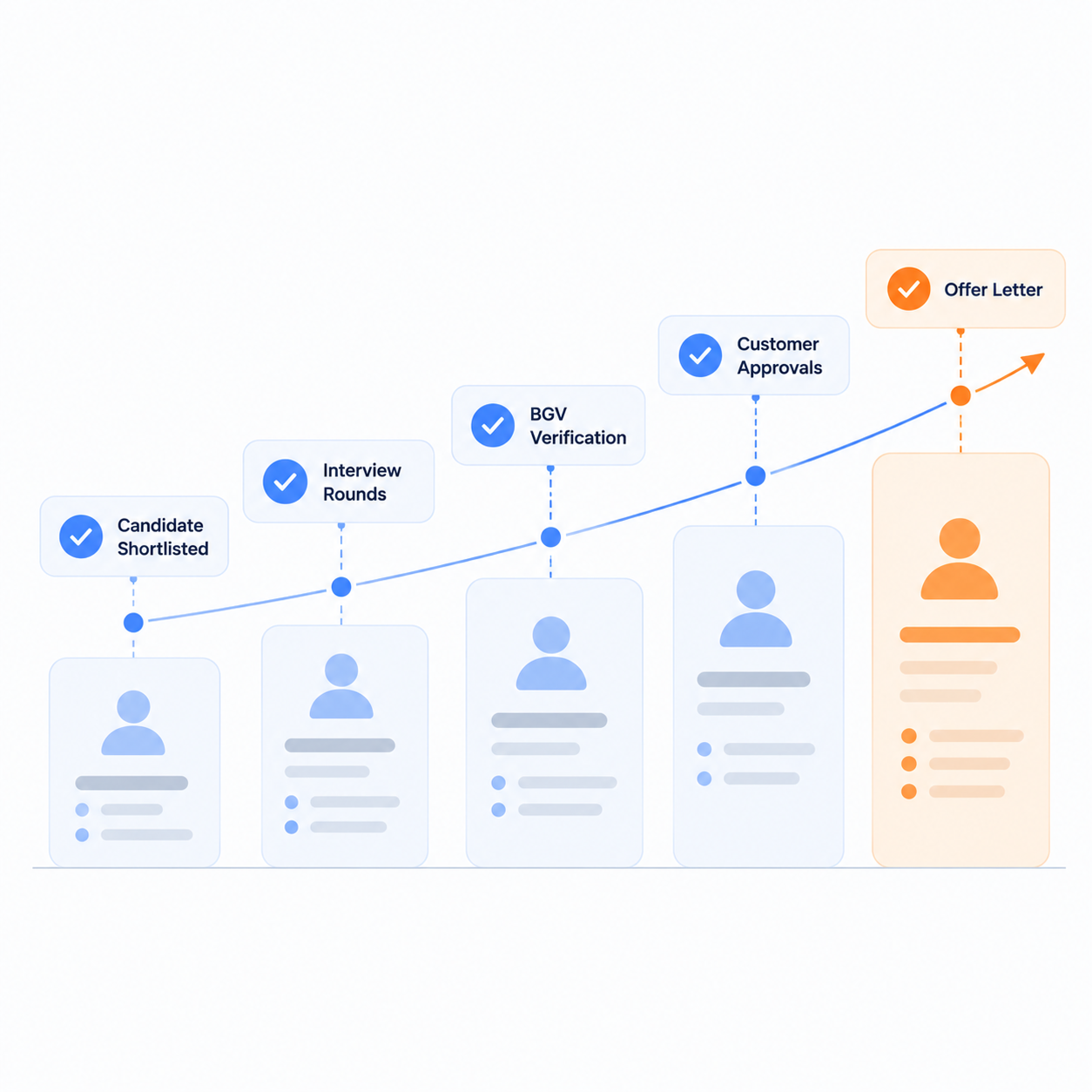
See your promotions, designations and hike history as they happen
Your designation timeline, promotion records and hike history are all stored in your employee profile. You can see how your role and compensation have changed over time without digging through old emails or asking HR for a record.
View Career Tracking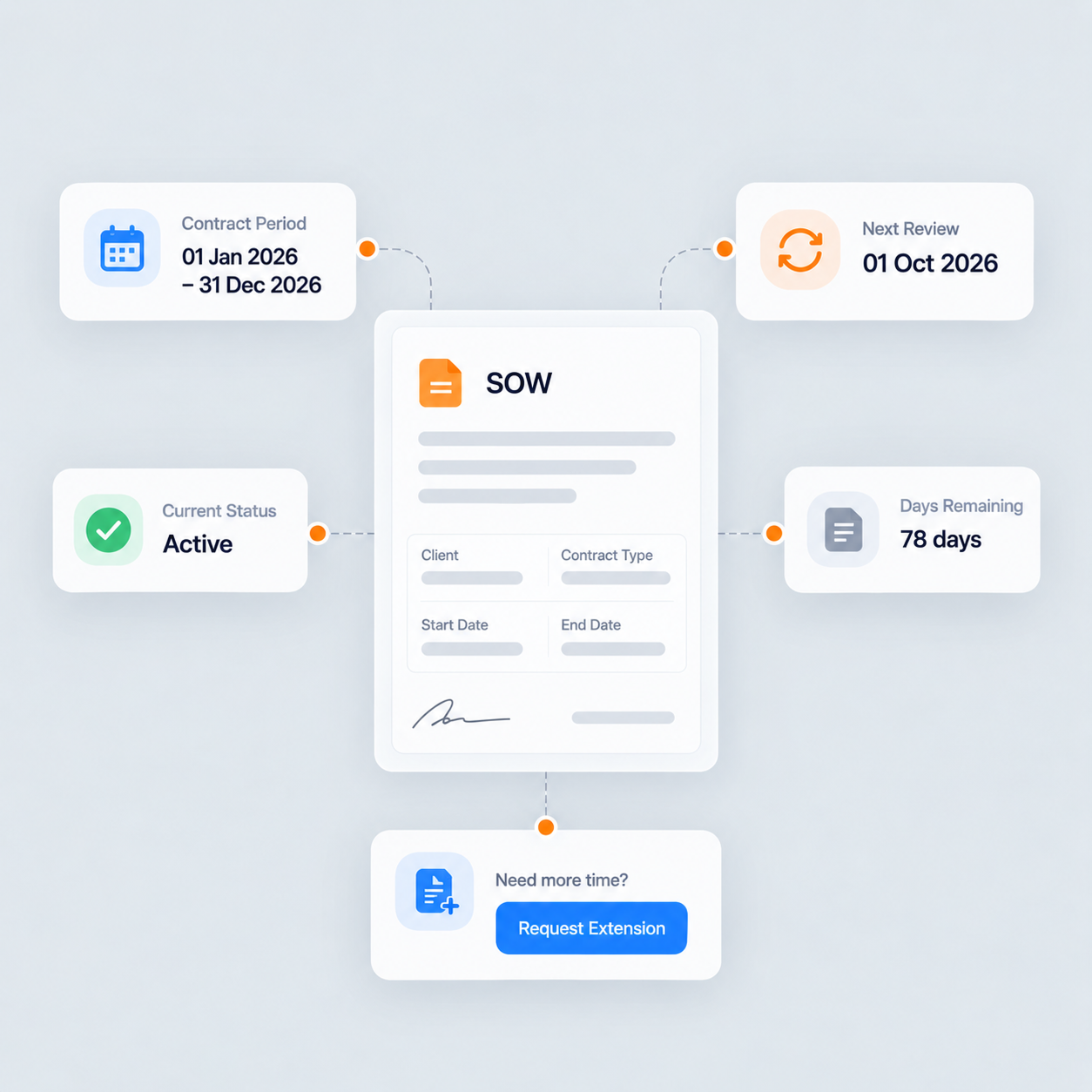
Know exactly where your contract stands and when it needs to move
If you are working on a contract basis, your SOW details are visible in your dashboard. You can see the contract period, track when it is due for review and raise a request for extension without going back and forth over email.
View SOW ManagementWhat employees and contractors say about Crusource
From daily attendance to contract management, these are the people who use the Crusource employee portal every day.
"I check in from my dashboard and my timesheet builds through the week. I submit it on Friday and I can see when it is approved without asking anyone."
"My hike history and designation changes are all in my profile. The next time I need that information, I know exactly where to find it."
"Tracking my SOW used to mean going back to my contract documents. Now I open Crusource and I can see where my contract stands and what the renewal date is."
Frequently asked questions
Common questions from employees and contractors about using the Crusource portal.
Yes. Both use the same platform with dashboards suited to their role. Attendance, timesheets, leave and payslips work the same way for internal employees and contractors.
You use the attendance option on your dashboard when you start and finish your day. Your attendance record updates each time.
Fill in your weekly timesheet on your dashboard and submit it to your reporting manager. You can see the approval status from the same screen.
Apply for leave from your dashboard and see your current balance before you submit. Your manager reviews and responds inside the platform.
Your payslips appear in your personal dashboard each month after they are generated. You can download them directly without contacting HR.
Yes. Your designation timeline and hike records are stored in your employee profile and visible to you at any time.
SOW stands for Statement of Work, which defines your contract period. You can view your SOW details, track the end date and raise a request for extension from your dashboard.
Your organisation sets up your Crusource access. Once onboarded, you log in and your dashboard is ready to use.
Give your people a portal that actually works for them
Attendance, payslips, career records and contract management, all in one dashboard built for employees and contractors.
We value your privacy. Learn more