Your vendor portal. Your demands, contractors and finances in one place.
Whether you are a hiring vendor sourcing candidates or a BGV vendor running background checks, Crusource gives you a dedicated portal to work, track and manage your side of the relationship.
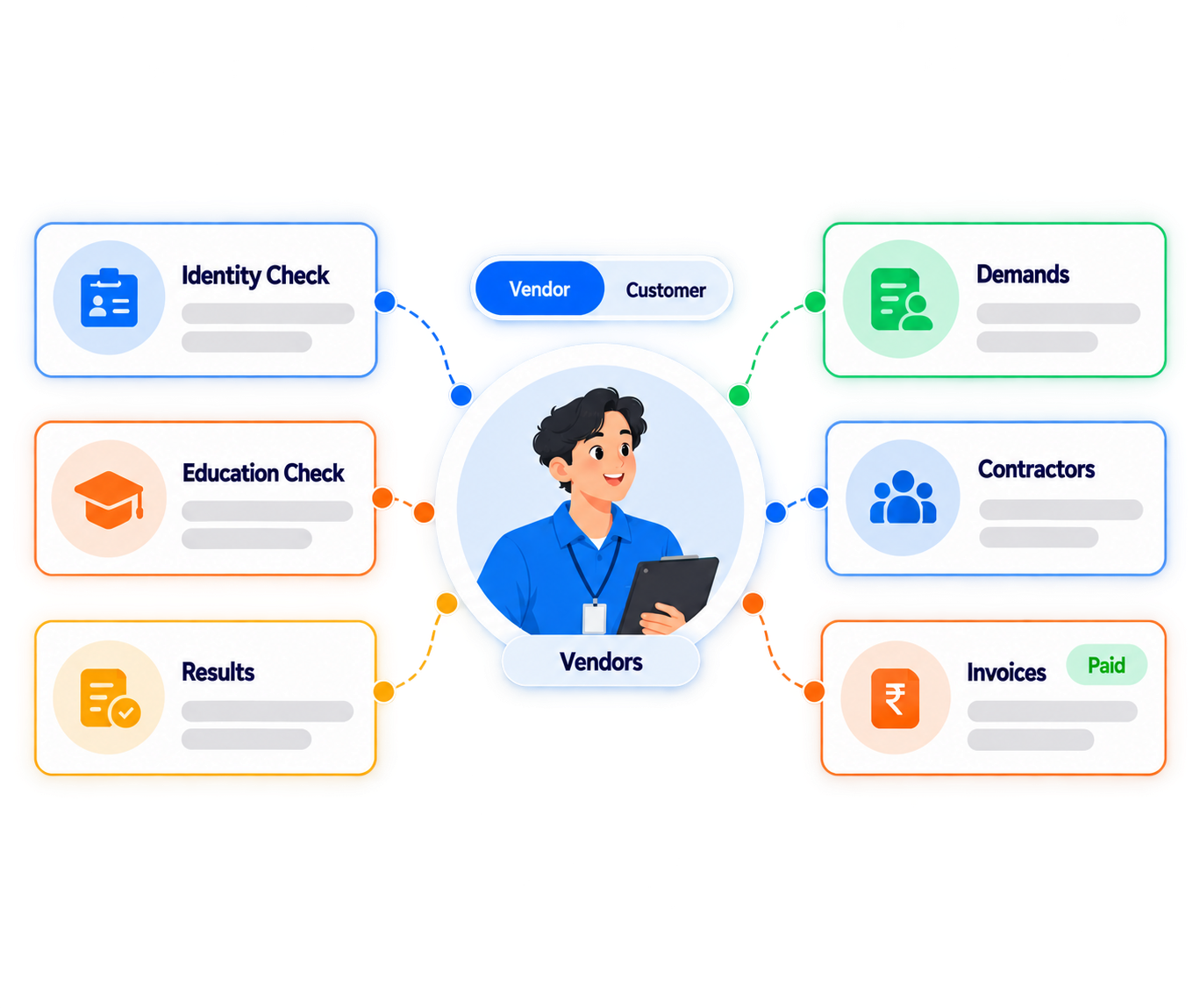
A dedicated portal for every type of vendor relationship
Crusource gives hiring vendors and BGV vendors separate workflows built around what each of them actually does, with one portal to log in to.
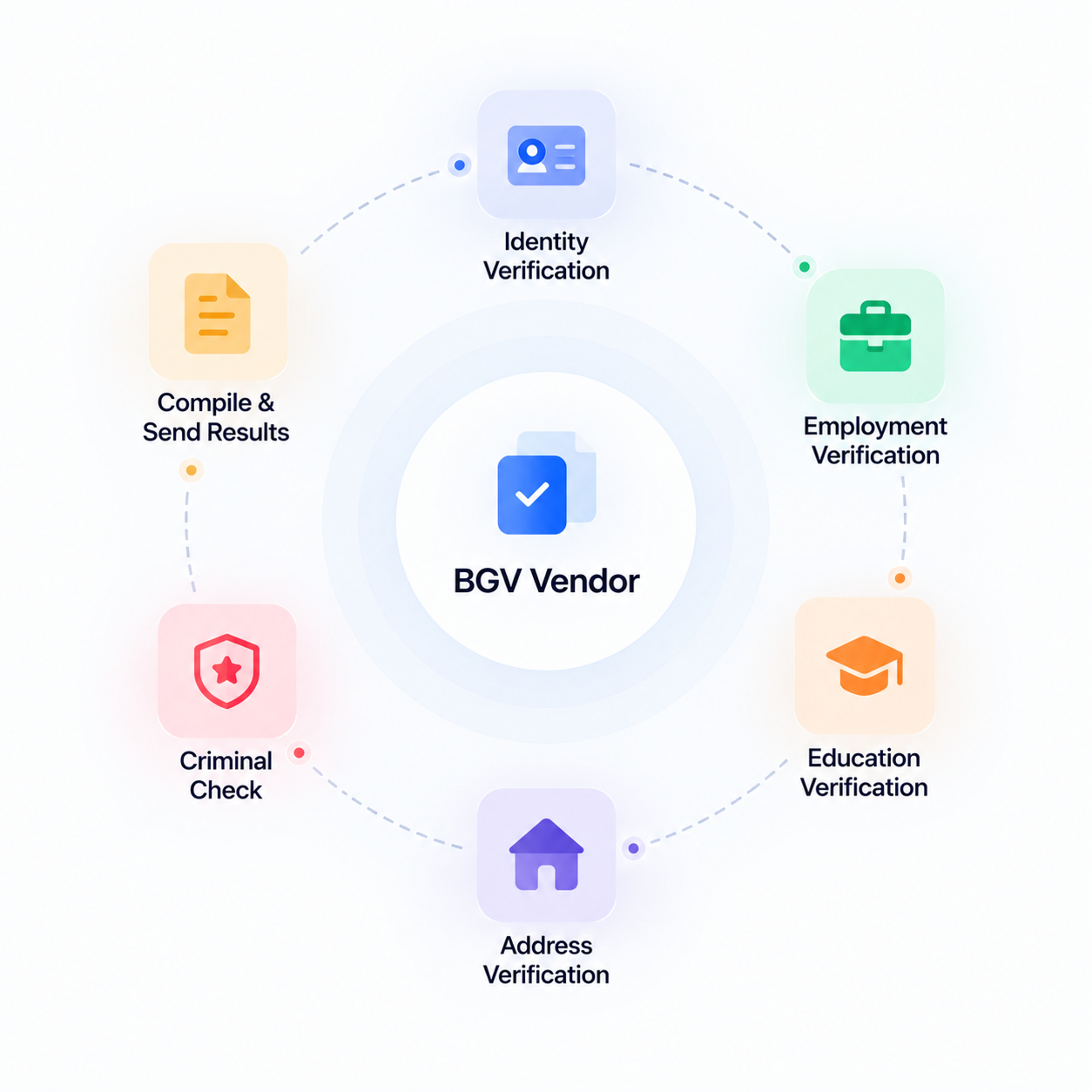
Get assigned candidates, complete verification and send results back
When a candidate is assigned to you for background verification, it appears directly in your portal with all the details you need. Complete the verification and send the results back to the organisation that requested it, all tracked within the same platform.
See BGV Vendor Flow
Your finances and agreements with each customer, in one view
Track the financial details of your relationship with each organisation you verify for. Your agreements and transaction records are stored in your portal so you always have a clear picture of what has been done and what is owed.
View Finance Tracking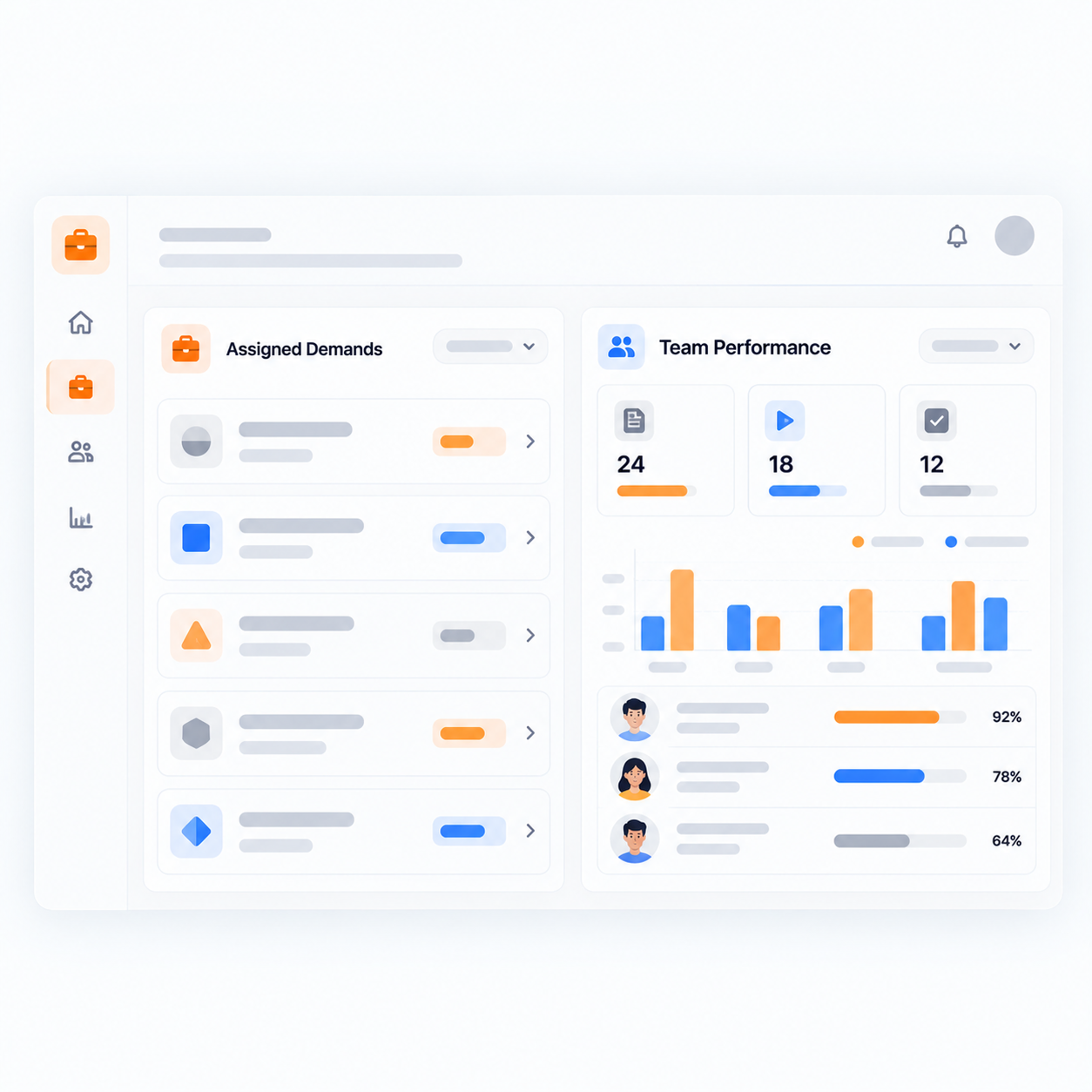
See your assigned demands and how your team is performing against them
Your dashboard shows all demands assigned to your organisation along with insights into your selection rate and overall delivery performance. Track how your internal recruiters are progressing on each demand so you know where things stand without waiting for an update.
See Hiring Vendor Dashboard
Keep visibility over every contractor you have placed
Track all the contractors your organisation has placed through the platform. You can see who is active, which customer they are working with and the status of each engagement, so your side of the relationship stays informed.
View Contractor Tracking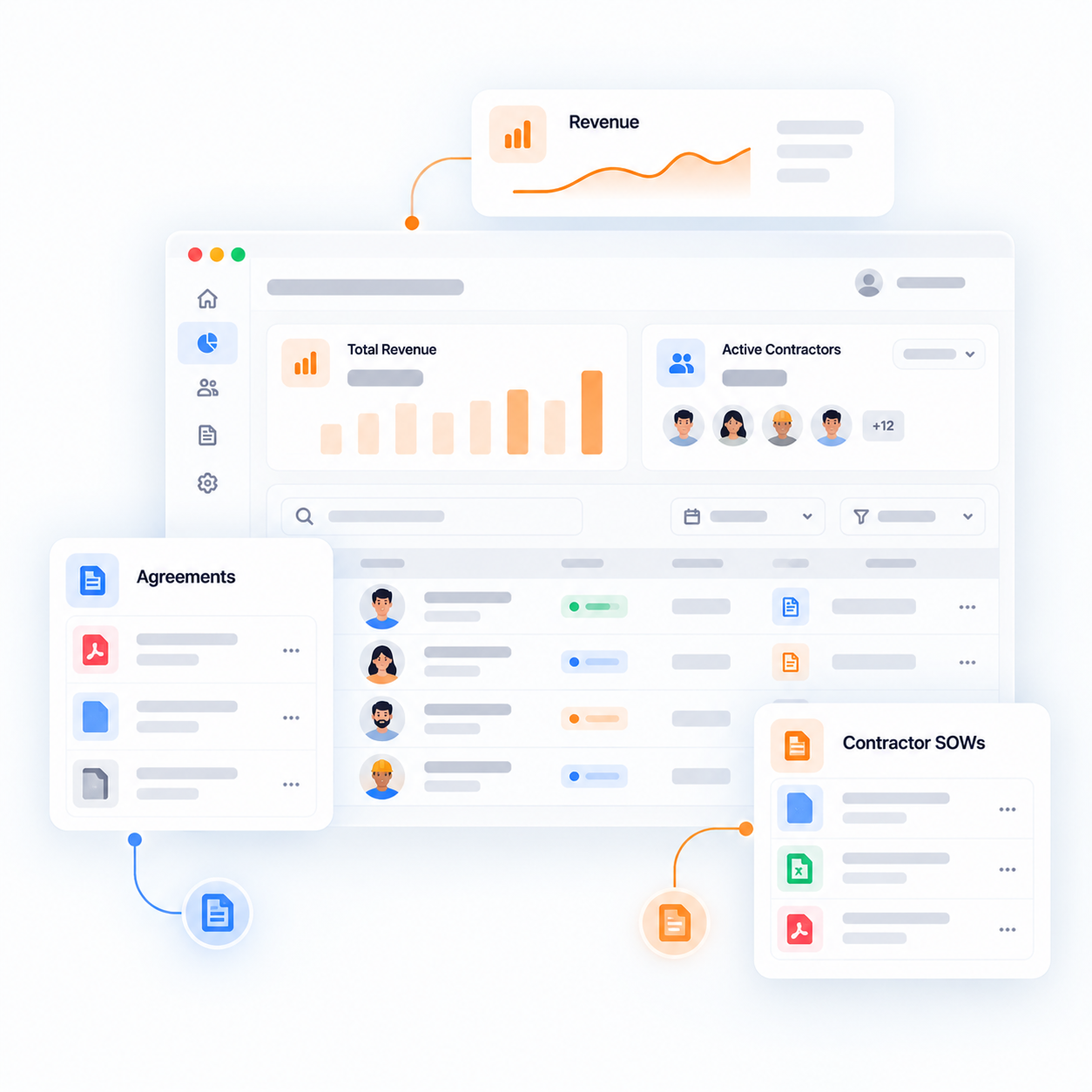
A full view of your revenue, contractor SOWs and agreements
See the financial details of every contractor you have placed, including their SOW and the associated revenue it generates for your organisation. Your agreements with the customer are stored alongside the financial records so everything is in one place.
Explore Finance and Docs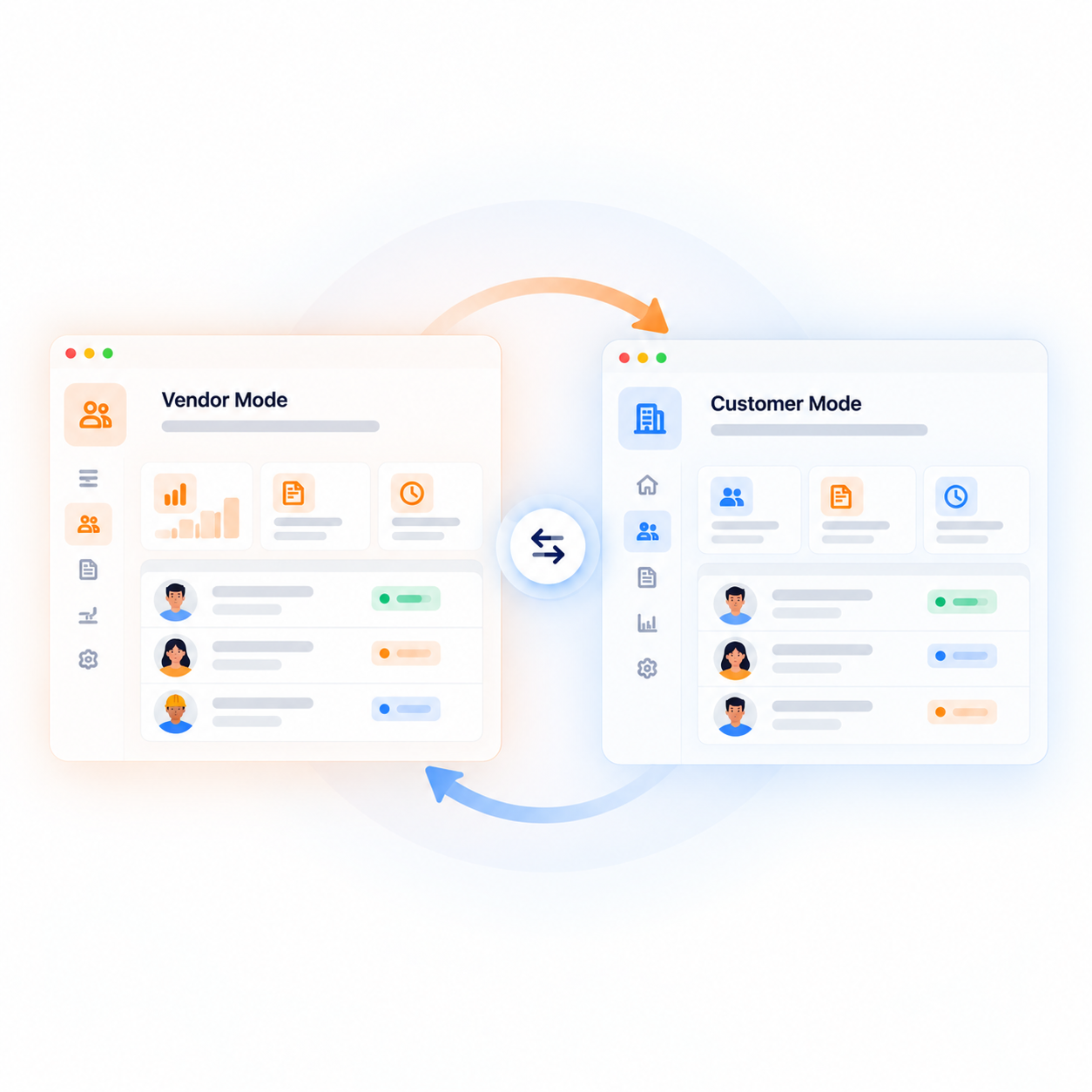
You can also become a Crusource customer in the same account
Any vendor on Crusource can also set up their own organisation as a customer. Switch between your vendor portal and your customer organisation from the same account. In customer mode, you have access to the full Crusource platform to manage your own people, demands and vendors.
Learn About Customer ModeWhat hiring vendors and BGV vendors say about Crusource
From receiving demands to tracking contractors and managing finances, these are the vendors who run their work through the Crusource portal every day.
"Demands come straight to our portal with all the details. My recruiters know exactly what they are working on and who assigned it. No email chains, no confusion."
"We handle BGV for multiple organisations. Having the assigned candidates and results all tracked in one place means we are not chasing anyone to confirm what was sent."
"The finance view shows us what we have earned per contractor and what the SOW covers. We used to piece this together from emails. Now it is just there."
Frequently asked questions
Common questions from hiring vendors and BGV vendors about working on the Crusource platform.
A hiring vendor receives open demands from an organisation and sources candidates for them. A BGV vendor is assigned specific candidates to verify and sends the verification results back to the requesting organisation.
Demands assigned to your organisation appear directly in your vendor portal with the relevant job details and priority. You do not need to wait for an email or a separate briefing.
Your dashboard shows your assigned demands alongside your selection rate and recruiter-level performance data so you can see how your organisation is delivering.
Yes. All contractors you have placed through the platform are visible in your portal. You can see who is active, which customer they are with and the SOW details.
When a candidate is assigned to you for background verification, they appear in your portal. You complete the verification and submit the results back to the organisation that requested it, all within the platform.
Yes. Any vendor can create their own organisation on Crusource and operate as a customer. You switch between your vendor portal and your customer organisation from the same account.
In customer mode, you have the full Crusource platform, including your own workforce management, vendor relationships, demands and recruitment tools, separate from your vendor portal.
The organisation you work with will add you to their Crusource account and set your portal access. Once added, you log in and your portal is ready to use.
A portal built for how vendors actually work
Demands, contractors, verifications and finances in one place. And if you ever need more, you can always become a customer too.
We value your privacy. Learn more