Your demands are assigned. Now close them without losing track.
See the demands assigned to you, source candidates from your talent pool, coordinate interviews with customers and manage your own attendance and timesheets, all from one place.
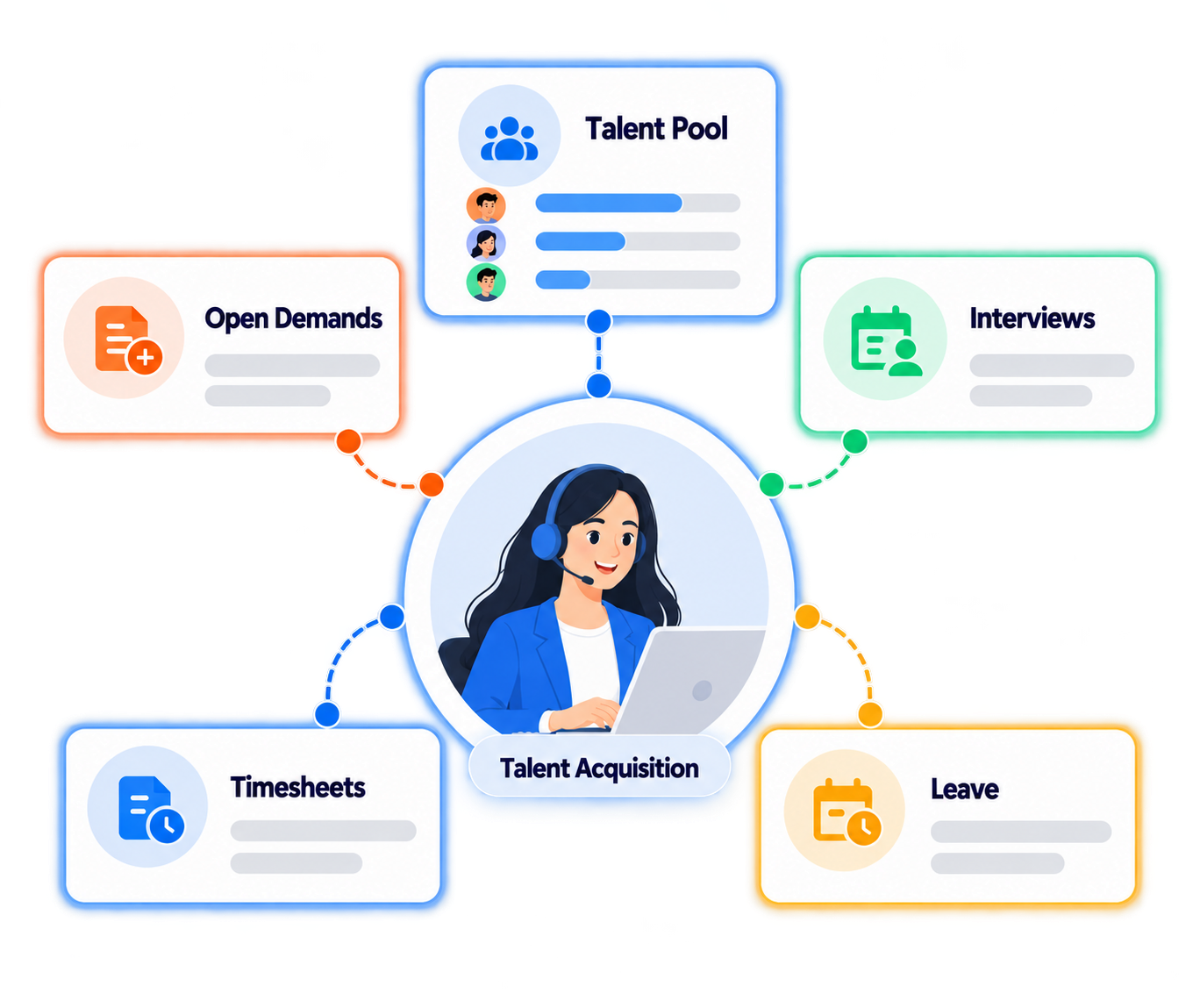
From the demand brief to the placed candidate, your full workflow in one place
Recruiters spend too much time switching between tools and chasing context. Crusource puts everything a recruiter needs into one view.
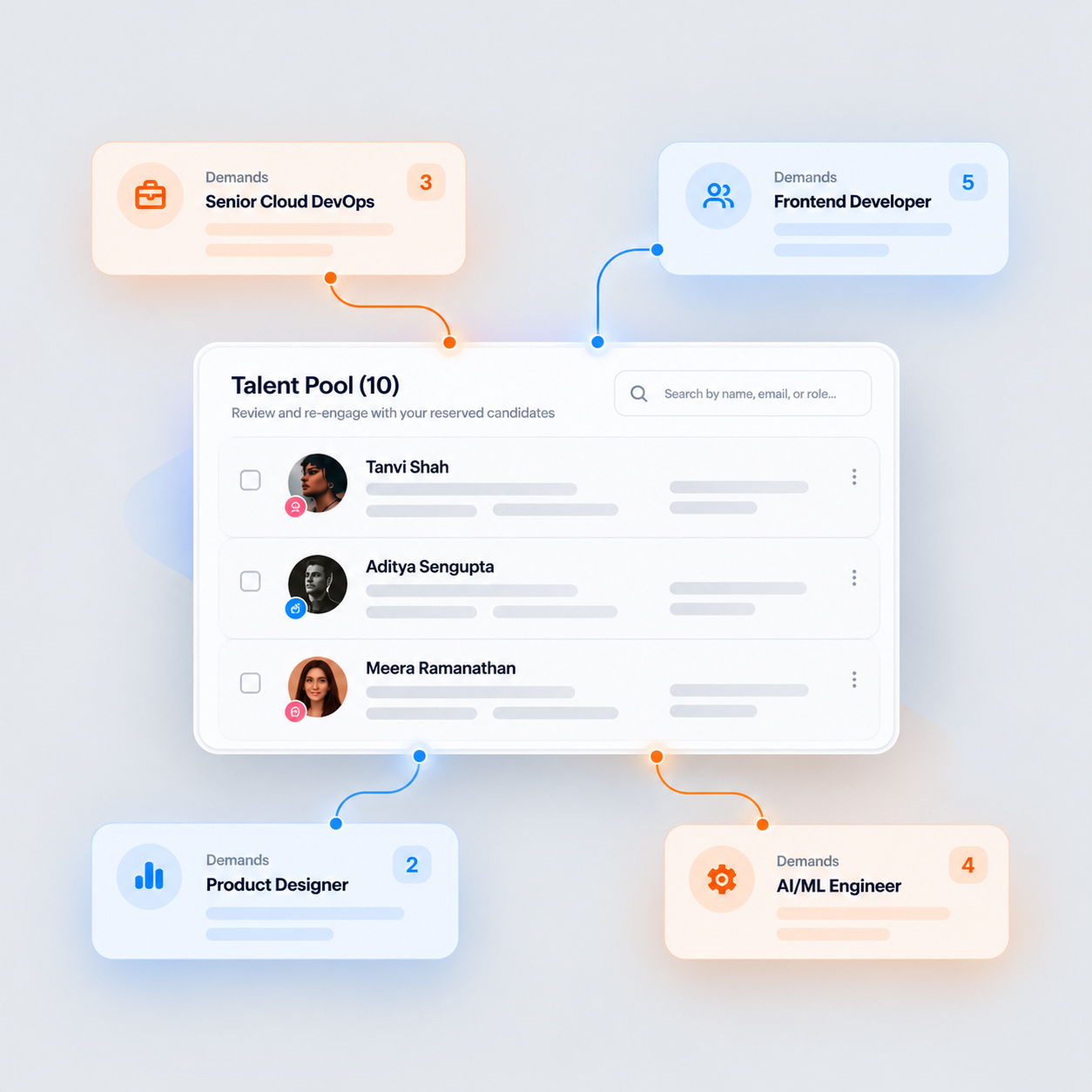
Get your demand and fill it from your existing candidate pool
Your assigned demands appear with all the details you need to start sourcing. Search your talent pool for matching profiles before going anywhere else. When you find the right candidates, add them directly to the open demand and track their progress from the same screen.
See Demand and Sourcing Flow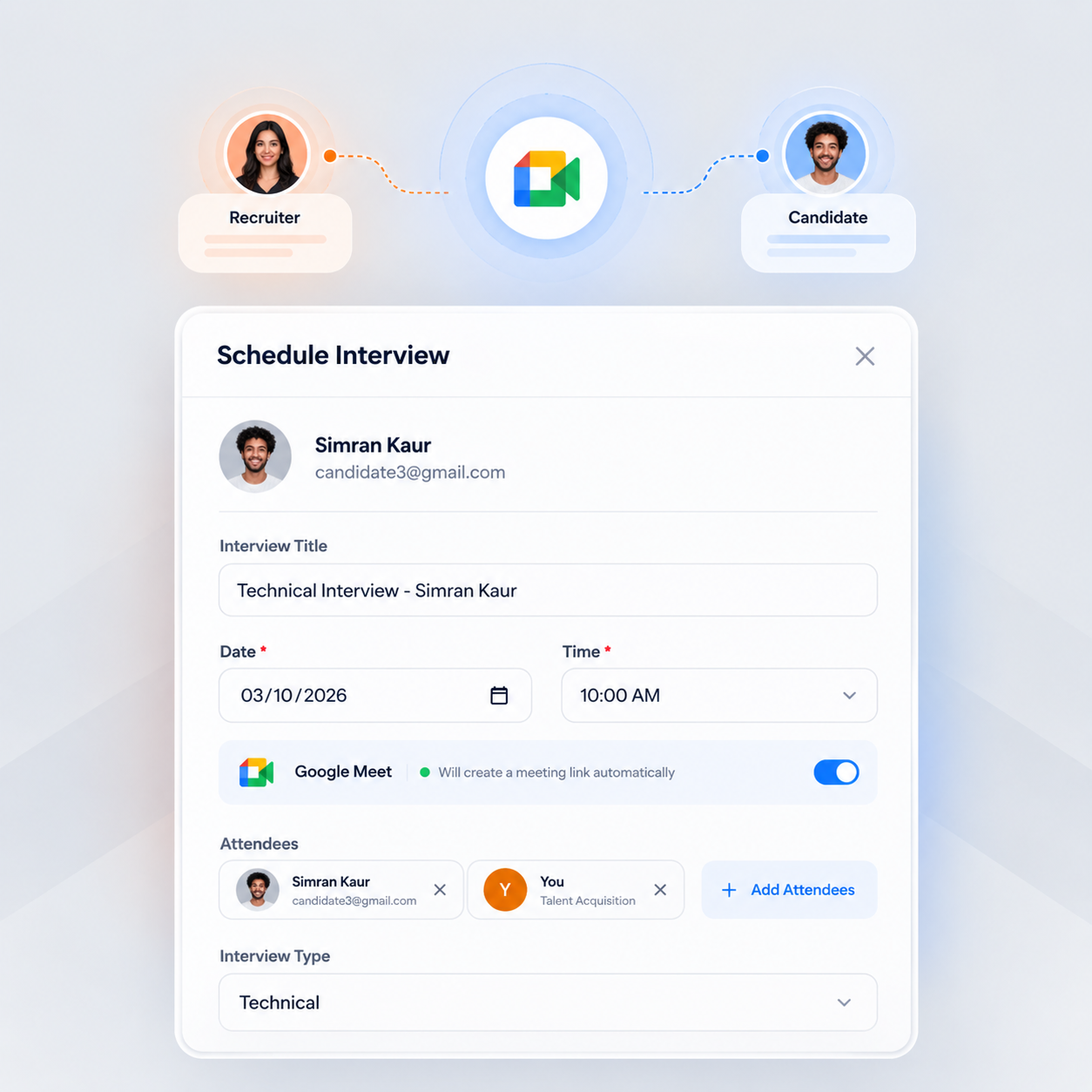
Schedule interviews and keep candidates and customers in sync
Once a candidate is shortlisted, you coordinate the meetings between them and the customer directly from the platform. Schedule interviews, send details and keep both sides updated without managing it all over email.
View Interview Coordination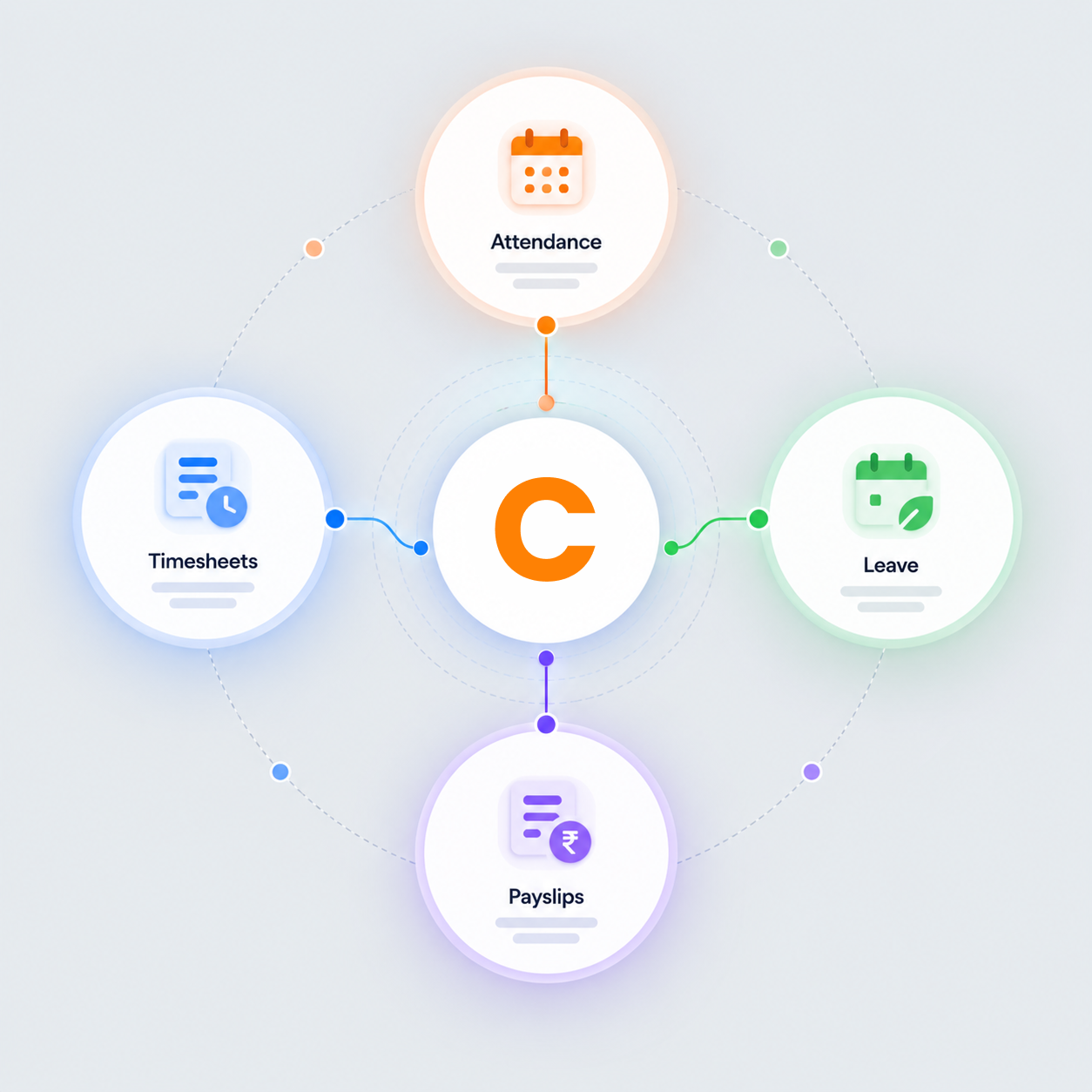
Track your own working days the same way everyone else does
Check in and out, fill your weekly timesheet, apply for leave and download your payslips from your personal dashboard. You are also an employee and Crusource handles your own records alongside everything else you do.
View Workforce TrackingWhat recruiters say about Crusource
From sourcing to scheduling, these are the recruiters who manage their full workload on Crusource.
"My assigned demands are right there with all the details. I search the talent pool first and most of the time I find a strong profile before I have to go anywhere else."
"Coordinating interviews used to mean a back-and-forth over email with the customer and the candidate at the same time. Now I schedule from one place and everyone gets the details they need."
"I did not expect the attendance and timesheet side to matter this much. Having my own records in the same platform I use for sourcing means I only open one thing in the morning."
Frequently asked questions
Common questions from recruiters about working on demands and sourcing candidates in Crusource.
Demands are assigned to you by the Delivery Manager or HR. They appear in your dashboard with the job details and priority so you can start sourcing right away.
Yes. You search the talent pool and add matching candidates directly to the open demand. You can see each candidate's status within that demand as it moves forward.
The candidate enters the pipeline for that demand. From there, HR and you coordinate interview scheduling, customer approvals and the onboarding flow.
Once a candidate is shortlisted, you schedule meetings between the candidate and the customer from the platform and keep both sides updated on timing and details.
Yes. You check in and out from your personal dashboard, submit your weekly timesheet for manager approval and apply for leave, all from the same platform you use for recruitment.
Yes. Your payslips are generated from your approved timesheets each month and available to download from your personal dashboard.
Request a live demo to see the full recruiter workflow, or start a 14-day free trial and explore at your own pace.
Close your demands faster and manage everything from one place
Assigned demands, candidate sourcing, interview coordination and your own attendance, all in one recruiter platform.
We value your privacy. Learn more