Welcome to Vendor Management System
Last updated:
The Crusource Vendor Management System (VMS) connects every party in your staffing or IT delivery operation — clients, open requirements, contract staff, invoices, and the vendors who source or verify them — in a single operational workspace.
What VMS does
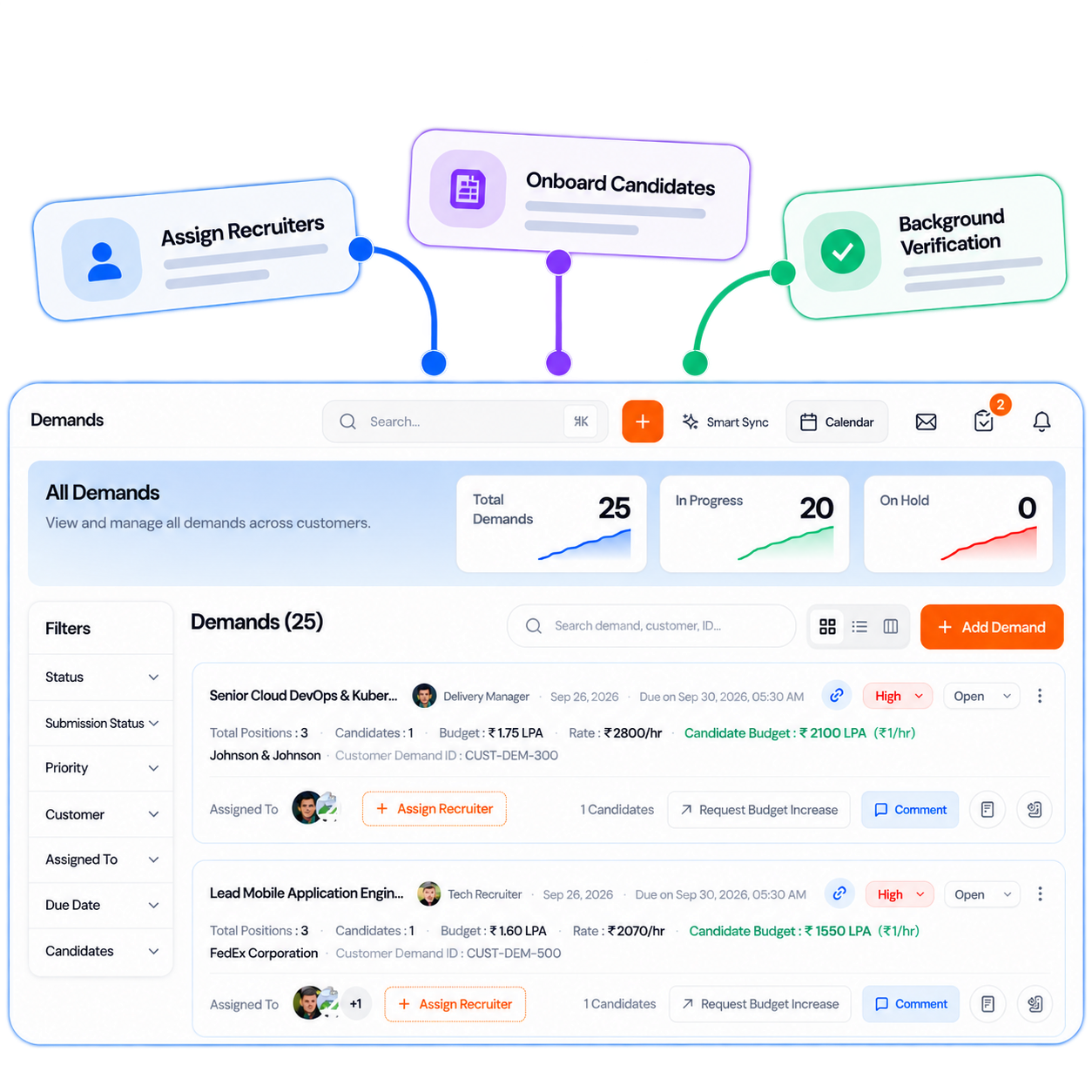
VMS is the commercial layer of Crusource. It gives your delivery and business development teams full visibility over active client requirements, contractor placements, billing, and vendor relationships. Instead of managing this across email threads and spreadsheets, every update lives in one place and connects to your Workforce Management System automatically.
Who uses VMS
VMS is designed for three roles in your team:
Super Admin & Directors
Revenue dashboards, margin overview, client account health, and approval gates.
Delivery Managers
Open demands, recruiter assignment, contractor tracking, and client communication.
Recruiters
View their assigned demands, submit candidates, track interview stages and placements.
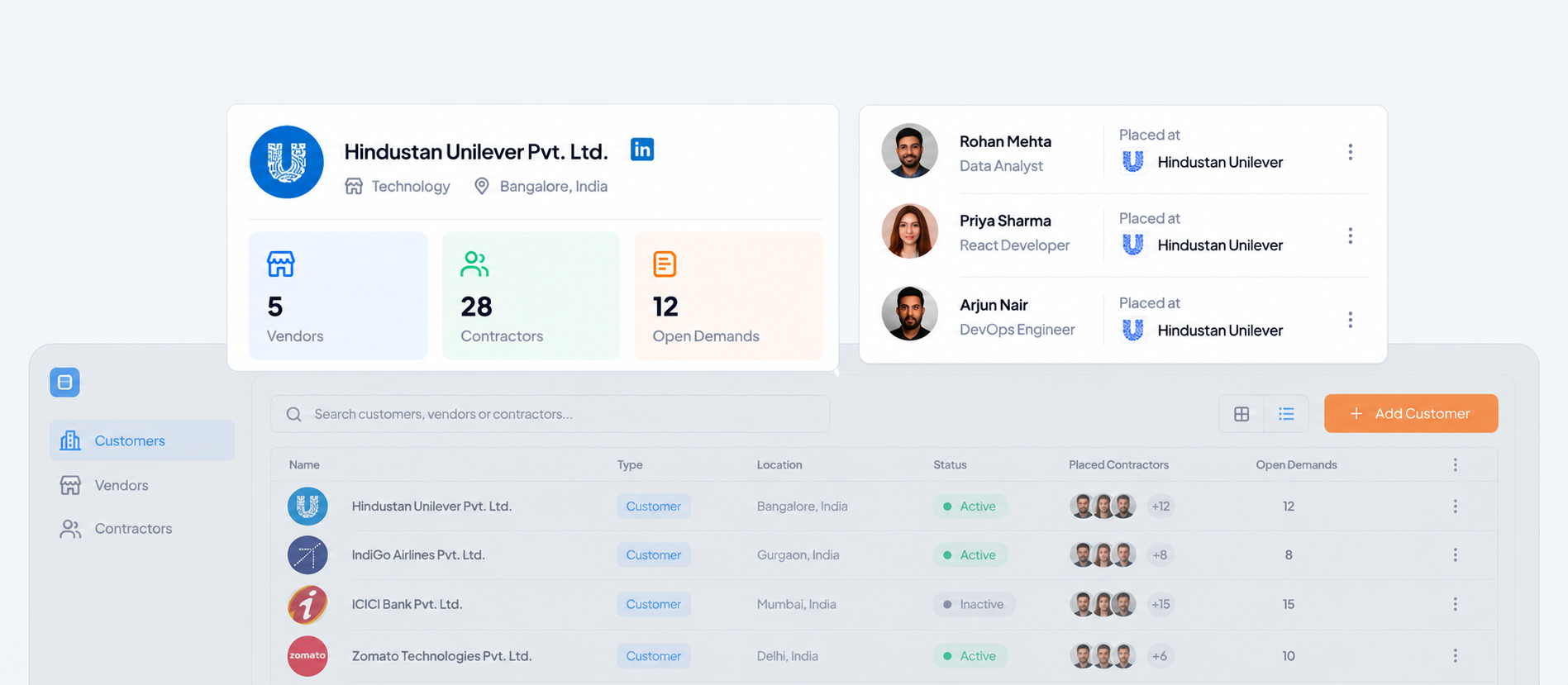
Customers & Demands
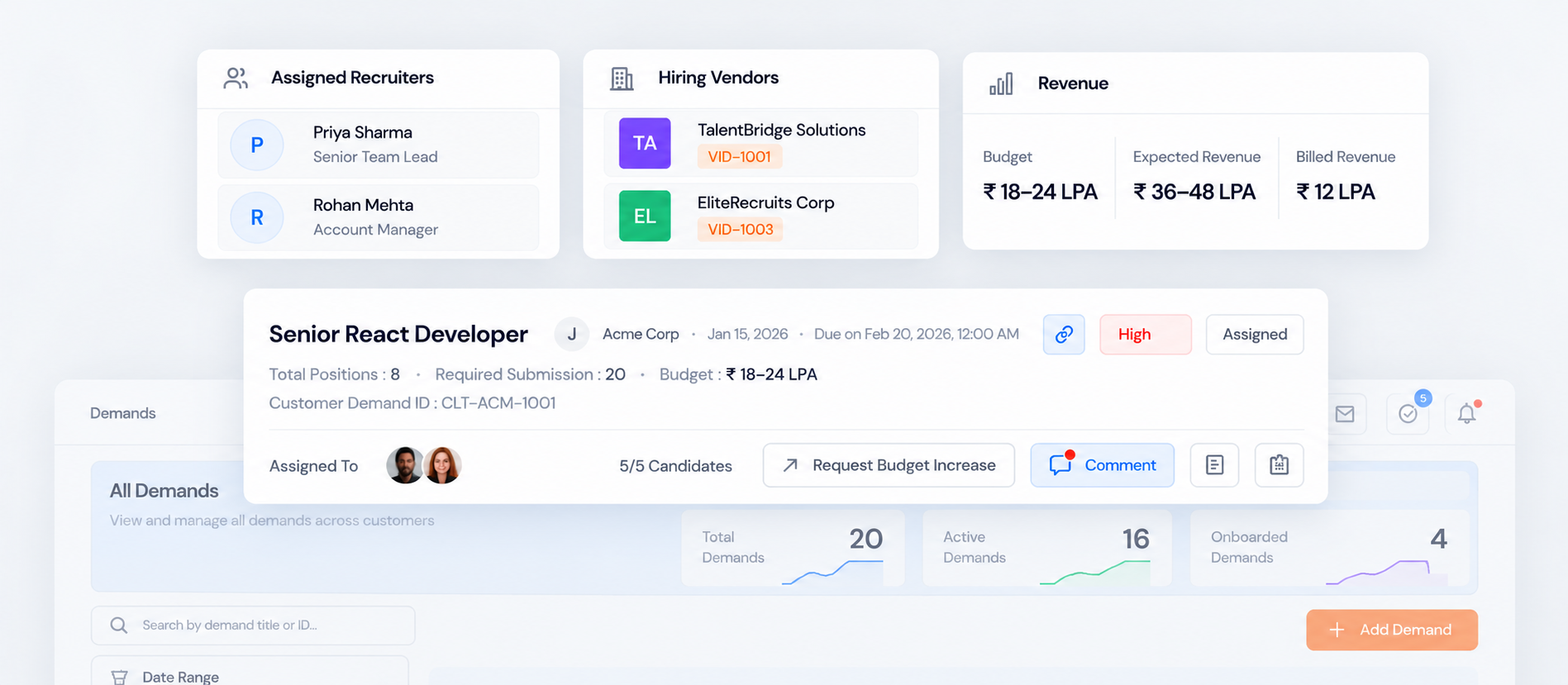
Every piece of work in VMS starts with a Customer (your client organisation) and a Demand (an open position or project requirement). You can create multiple demands under a single customer, each with its own skill requirements, budget, timeline, and assigned recruiter.
Contractors
Contractors are the placed candidates working at your client's location. Once a candidate is placed through a demand, VMS creates a contractor record linked to both the client and the original demand. This record tracks their placement timeline, active contract, and any BGV status.
Finance & Invoicing
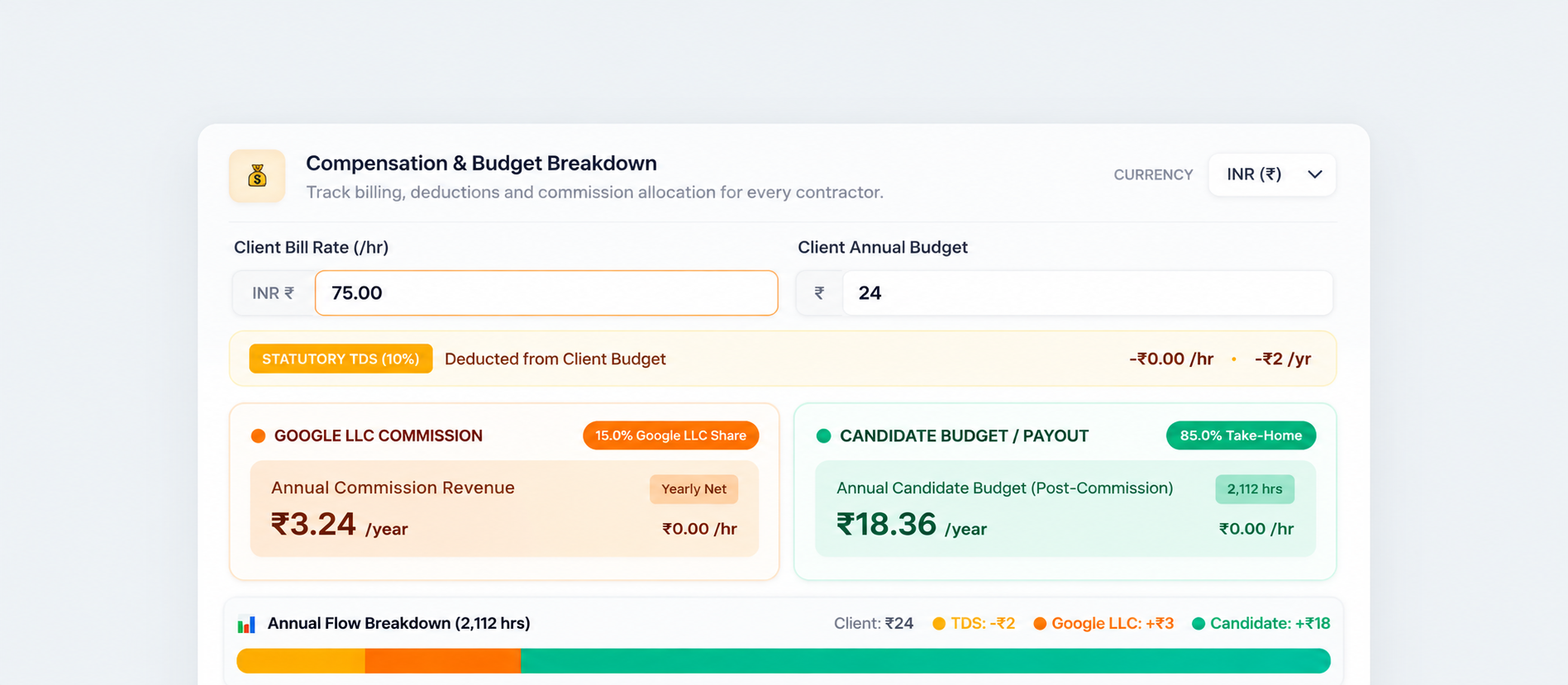
VMS calculates billing automatically based on the rate card you define per client or per demand type. When a contractor's timesheet is approved in the Workforce Management System, it flows directly into VMS finance where an invoice is generated with the correct GST breakdown and margin calculation.
BGV Vendors
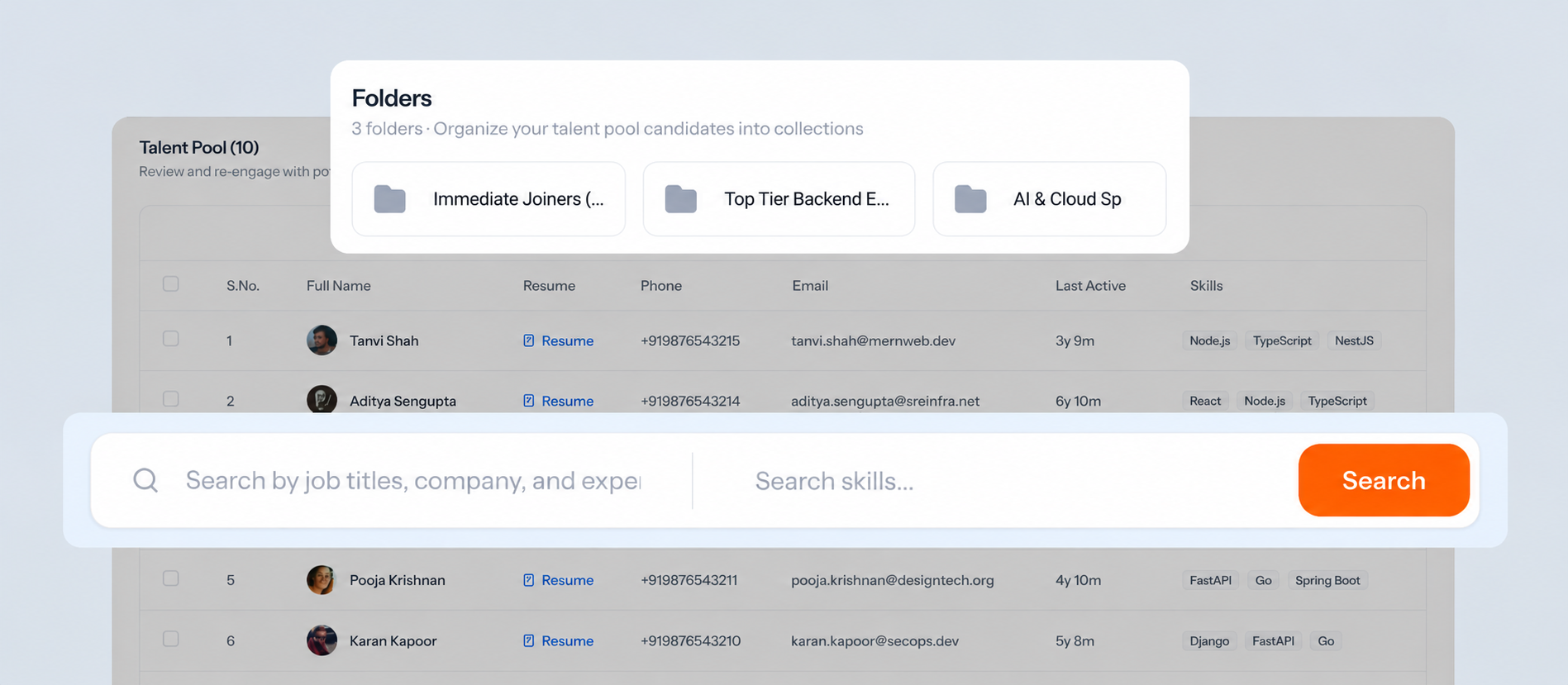
Background verification vendors are agencies you work with to clear contractor candidates before placement. You can add vendor partners in Crusource, assign them to specific candidates, and track clearance status without leaving the platform.
Where to go next
Now that you have an overview, here are the best next steps for your role:
Was this article helpful?