Stop reading every resume. Let AI tell you who to call first.
Upload your full resume batch, add a job description and Crusource ranks every candidate by how well they fit the role. Your recruiters go straight to conversations without reading through the entire pile.
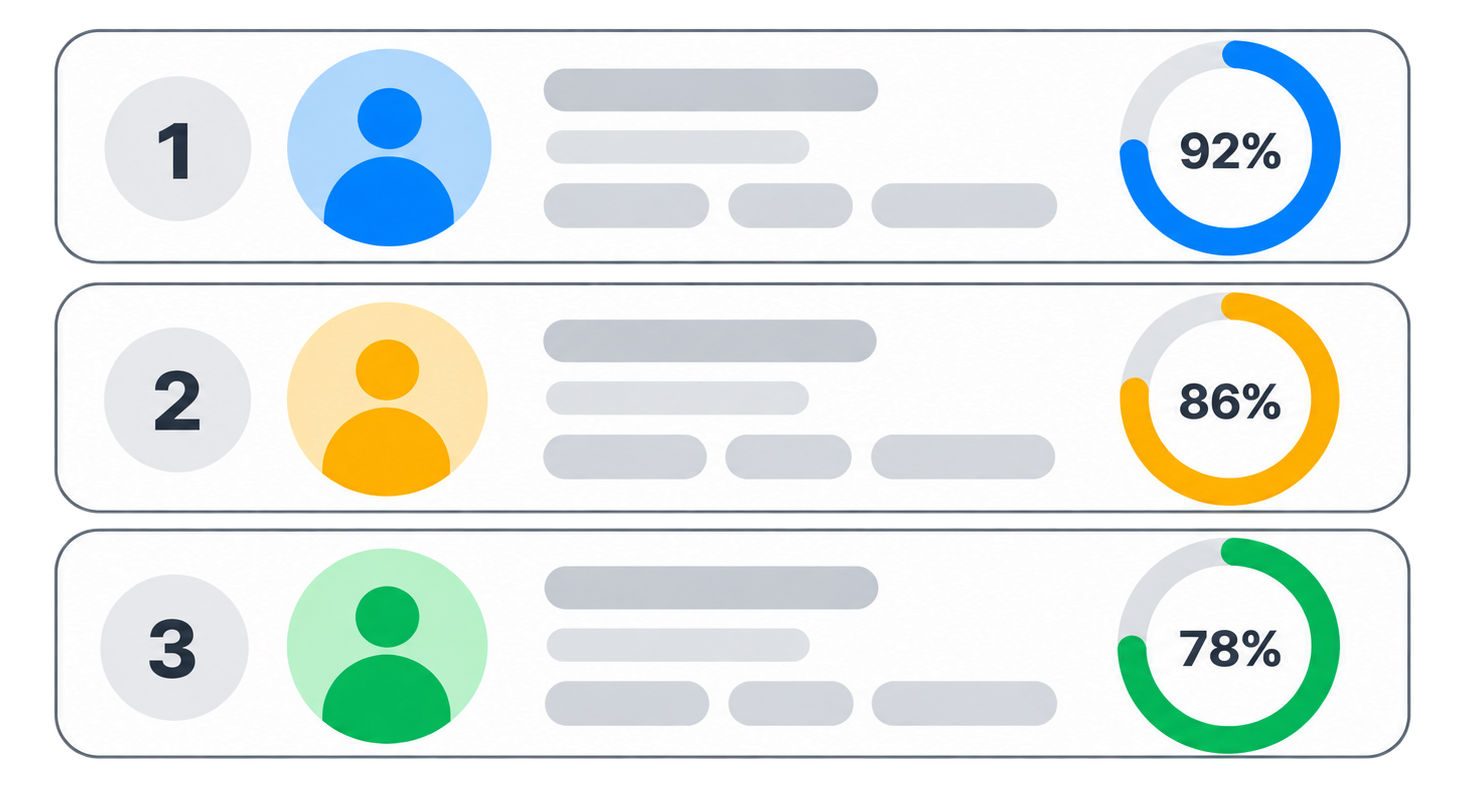
Results
- 192%
- 284%
- 371%
Example results shown for illustration. Scores, names and roles are never blurred, and the top match is highlighted. Selecting a result opens the full candidate report after sign in.
Read 200 resumes without opening a single one
Drop in your resumes and job description. Crusource scores every candidate and tells your team who to call.
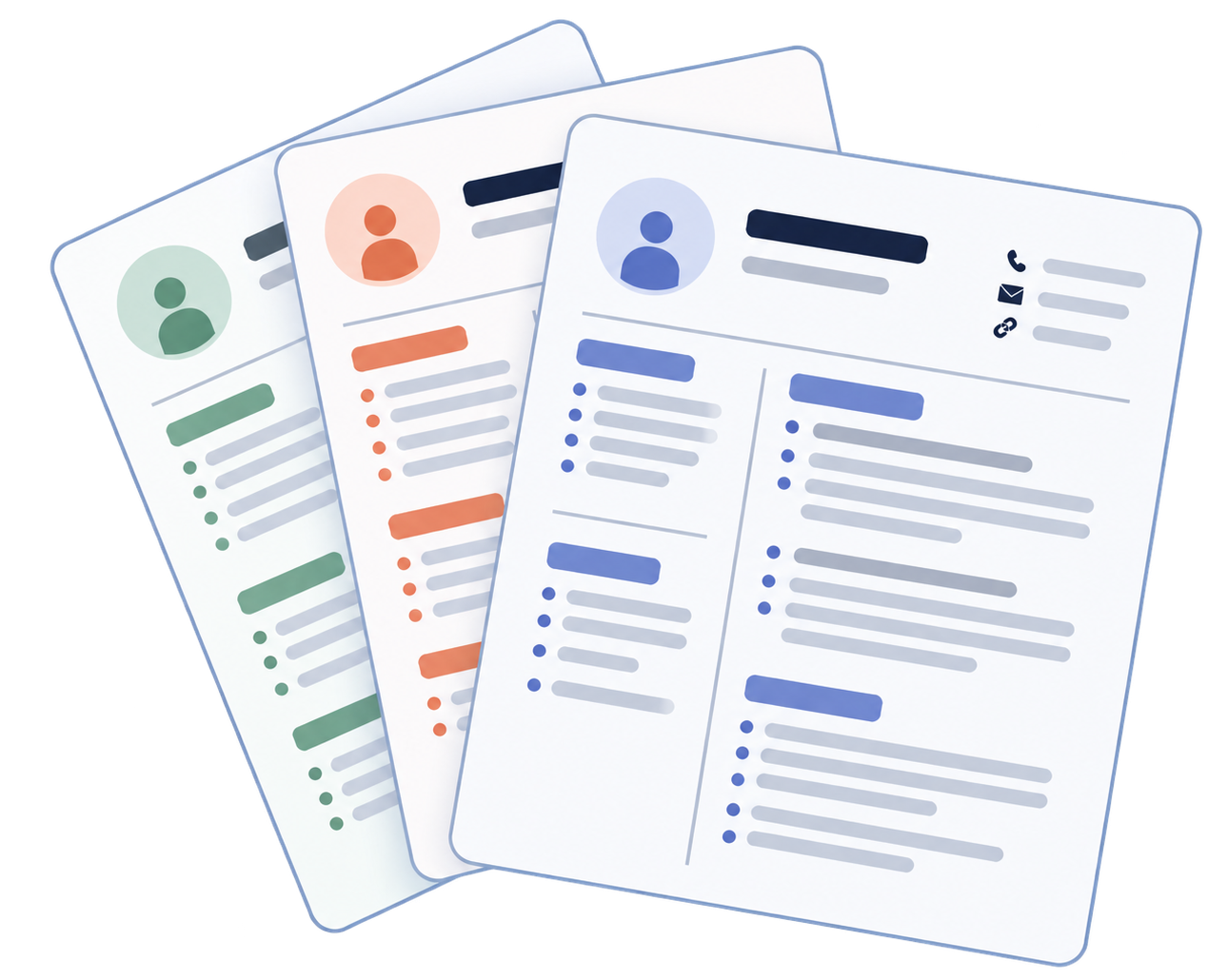
Upload in bulk
Add your entire resume batch at once, not one file at a time.
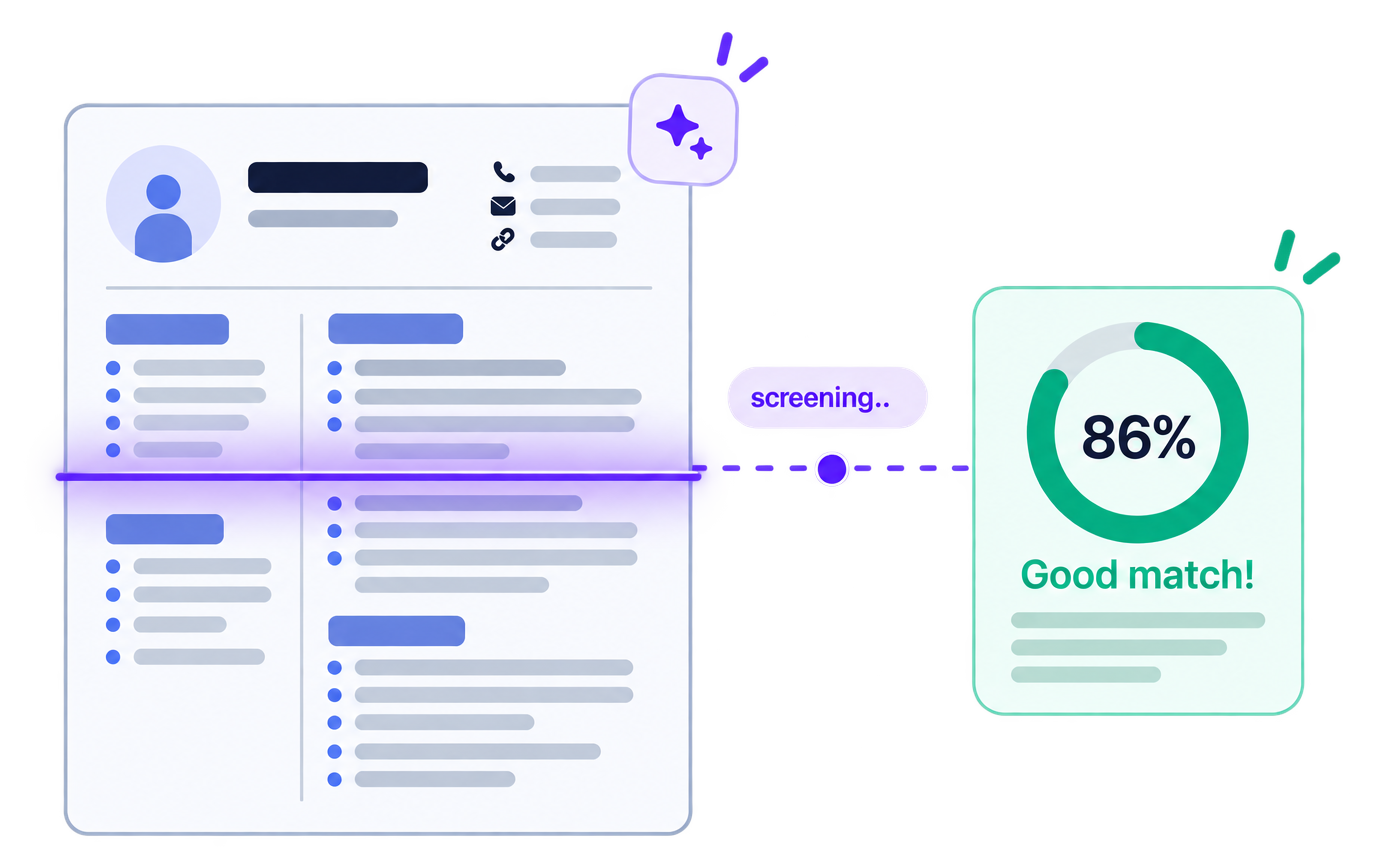
AI reads every resume
Each resume is scored against your job description automatically.
Ranked shortlist, instantly
Candidates appear in order of fit so you know exactly who to call.
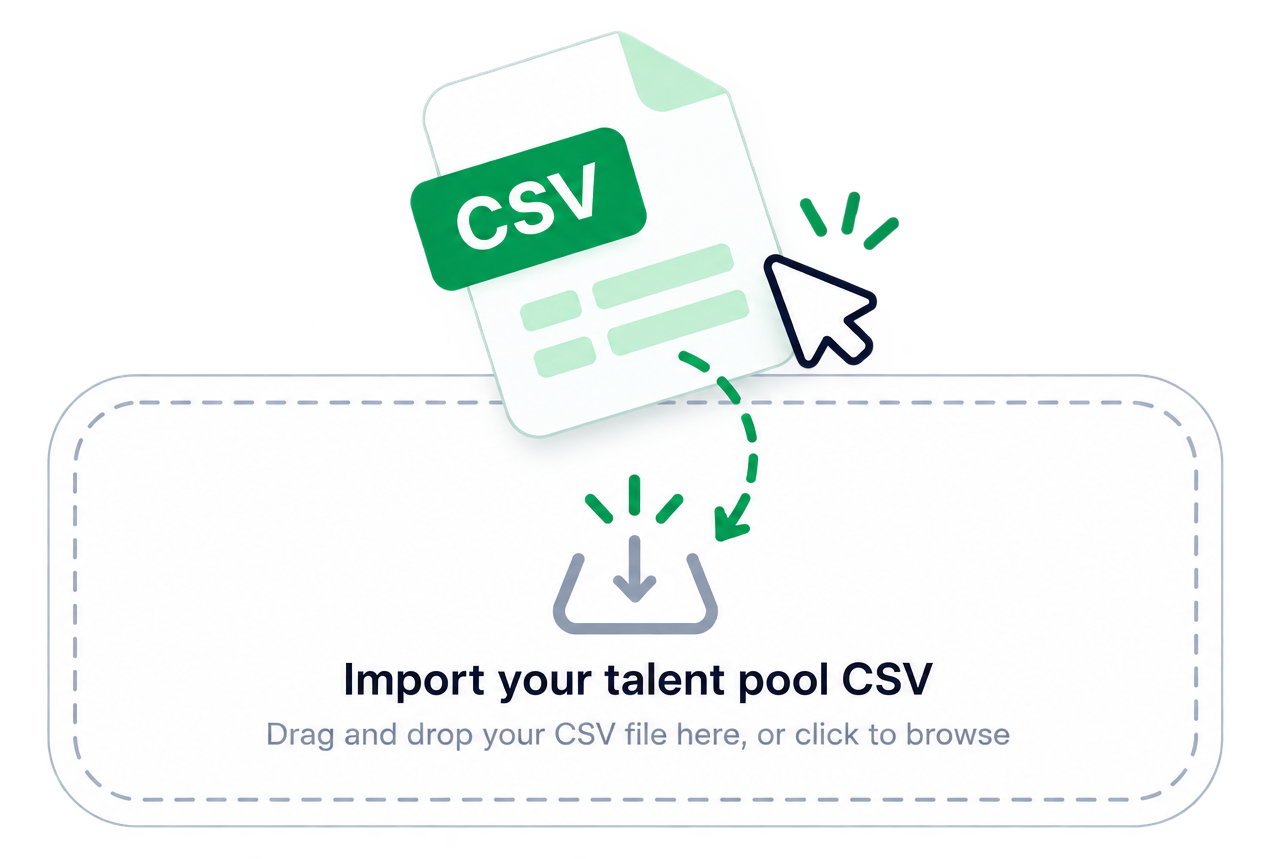
Screen your Talent Pool too
Pull in saved candidates alongside new resumes in the same batch.
One standard for every hire
Every resume is judged against the same JD, no bias, no guesswork.
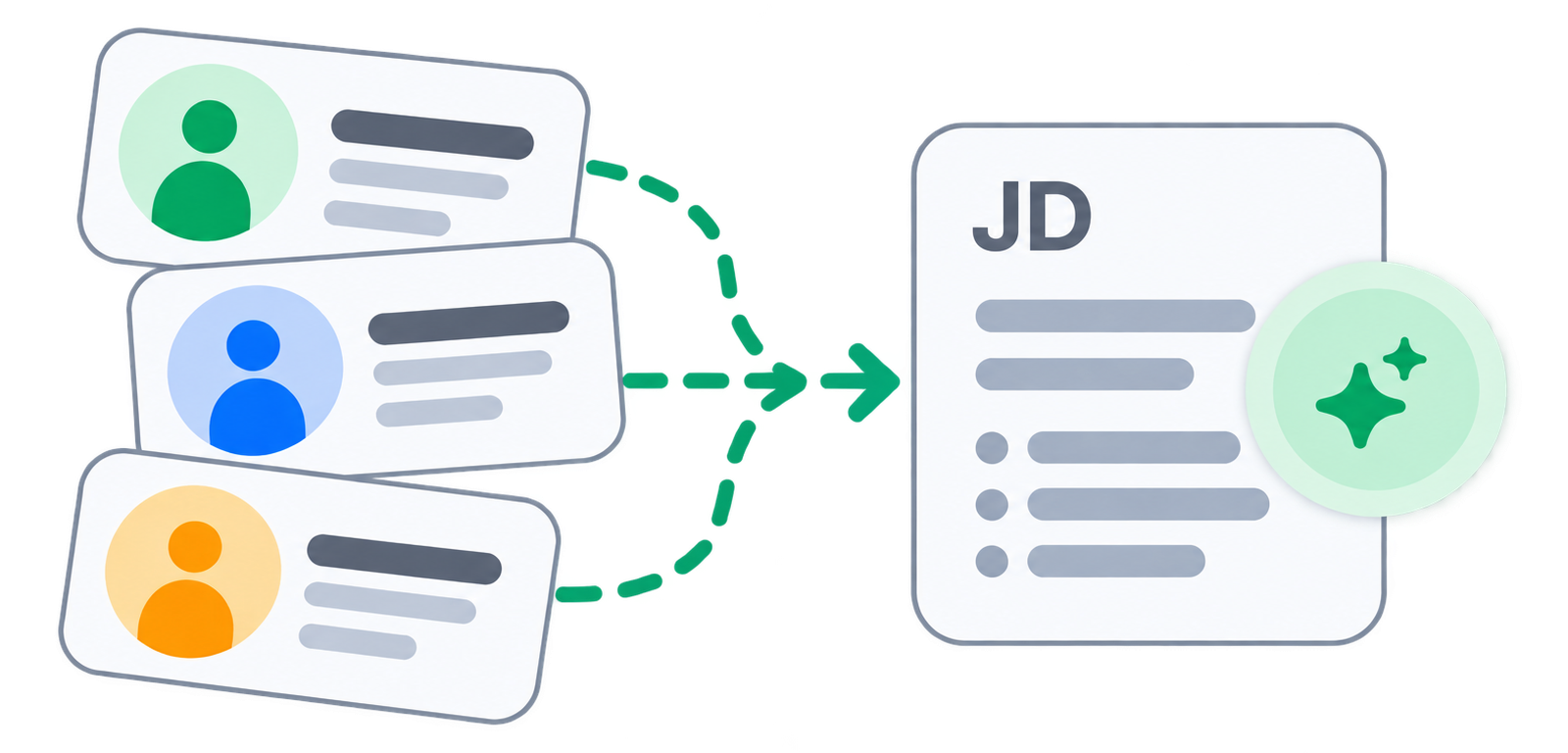
Three steps from pile to shortlist
No setup required. Add your resumes, add your JD and the results are ready.
Upload your resumes
Drop in a full batch from your computer or pull candidates directly from your Talent Pool.
Add the job description
Paste the role requirements and Crusource analyses every resume against them.
Review the ranked list
Your candidates appear in order of fit with match scores and a recommendation for each one.
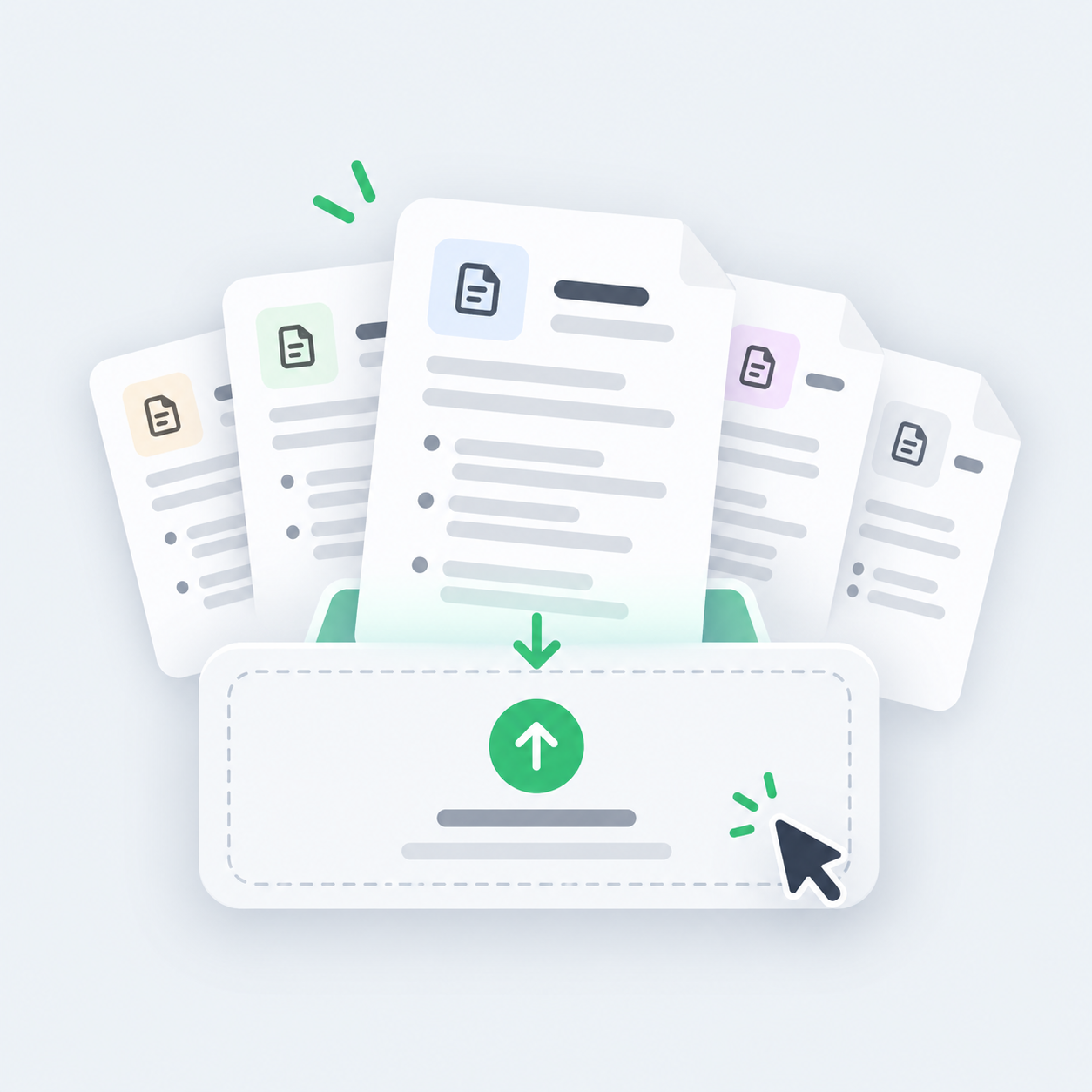


What changes when AI reads first
Illustrative benchmarks. Confirm verified figures before launch.
- 60%Faster first shortlist
Your recruiter has a ranked list before they finish their morning coffee.
- 3xMore resumes reviewed
Each recruiter covers three times the volume without opening a single PDF.
- 50%Less time on first round
Half the review time goes away when AI does the initial reading.
- 30%Lower sourcing spend
Hiring from your Talent Pool first means fewer job portal renewals.
Frequently asked questions
Common questions from recruiters and HR teams about how AI resume screening works in Crusource.
You upload a batch of resumes and add your job description. The AI reads each resume against the JD and ranks candidates by how well they fit the role. Your recruiter reviews the ranked list and decides who to call.
Yes. You can upload a full batch at once instead of adding resumes one by one. There is no limit on how many you add in a single session.
Yes. When you set up a screening batch, you can pull in candidates already saved in your Talent Pool alongside any new resumes you upload.
No. The AI gives each candidate a match score and a shortlist recommendation. Your recruiter reviews those results and makes the final call on who to move forward.
The Talent Pool is your internal candidate database. Every candidate who applied or was added manually stays saved in it, whether they were hired or not. You can search it, organise candidates into folders and include them in future screenings.
Yes. You can import candidates in bulk from a CSV file and organise them into skill-based folders for easy searching later.
Candidates in your Talent Pool already know your process and in many cases already have a profile. Hiring from them first means you only spend on external portals when your own database does not have the right fit.
No. You can screen candidates for any open demand, whether the source is your Talent Pool, a job portal, a referral or a direct application.
Crusource Screens sits inside the same platform as your demands, recruiter dashboards and candidate records. Shortlisted candidates from a screening session can be added directly to the relevant open demand without re-entering any data.
Request a live demo to see how the screening works on your own job descriptions, or start a free 14-day trial and run your first batch right away.
Let AI read the resumes so you can meet the right people
Book a walkthrough with our team or start a free trial and see Crusource Screens on your own job descriptions.
We value your privacy. Learn more